


- Installs on iPad, iPhone, Mac and PCSe instala en iPad, iPhone, Mac y PC
- Use it in GoodNotes and any app that takes your own fontsÚsala en GoodNotes y cualquier app que acepte tus fuentes
- International characters includedIncluye caracteres internacionales
- Personal useUso personal
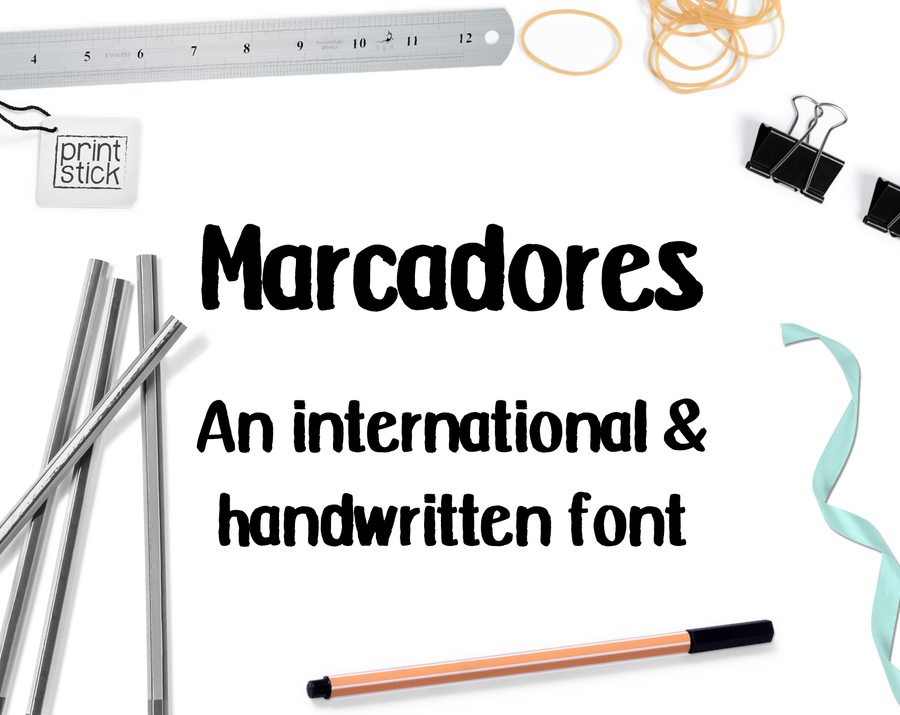
Marcadores font samplesMuestras de la fuente Marcadores
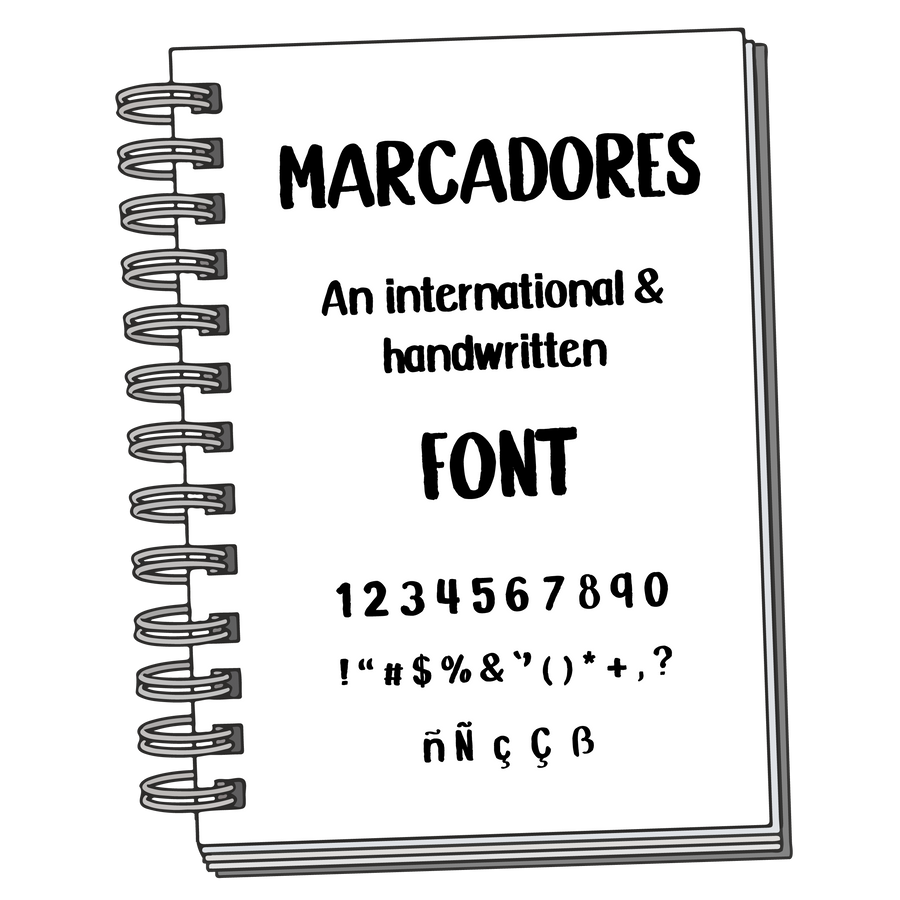
Every characterTodos los caracteres
At every sizeEn todos los tamaños
58Happy planning!¡Feliz planeación!
42Happy planning!¡Feliz planeación!
30Happy planning!¡Feliz planeación!
22Happy planning!¡Feliz planeación!
16Happy planning!¡Feliz planeación!
Font - .ttf & .otf format
Perfect to install on your iPad and use with your digital planner!
Don't forget to add a copy of the FREE Font Installation Guide to your order
This shop sells digital products only and will never ship anything physical.
GIVEN THE DIGITAL NATURE WE ARE UNABLE TO OFFER REFUNDS
Please provide a good email address at checkout since the download links will be sent there only.
------------------------------------------
To use the font in apps that accepts the use of external fonts (such as GoodNotes 5) you must install the font directly on the iPad. You can use the free app 'iFont' to do this.
Check out THIS VIDEO for a step by step tutorial on how to install fonts on the iPad
------------------------------------------
Check out Print Stick's YOUTUBE CHANNEL for tips and tutorials
------------------------------------------
*Remember this item is for PERSONAL USE only.
It is strictly forbidden to redistribute or use for commercial use.
Join our FB GROUP for exclusive info and support
Happy DigiPlanning!
After checkout you get the .OTF and .TTF files by email and on your order page. On iPad or iPhone, open the .OTF file with a free font installer app (like iFont), install it, then pick it in GoodNotes or any app that lets you use your own fonts. On a computer, double-click the file and choose Install.
Después de pagar recibes los archivos .OTF y .TTF por correo y en la página de tu pedido. En iPad o iPhone, abre el archivo .OTF con una app gratis para instalar fuentes (como iFont), instálalo y luego elígelo en GoodNotes o en cualquier app que te deje usar tus propias fuentes. En la computadora, haz doble clic en el archivo y elige Instalar.
For personal use. Please do not share, resell or redistribute the font files, or use them for commercial projects.
Para uso personal. Por favor no compartas, revendas ni redistribuyas los archivos de la fuente, ni los uses en proyectos comerciales.
