Digital Planner
Introducing FLEXI: The Digital Planner That Adapts to YOU
Meet FLEXI, PrintStick's new digital planner builder. Customize beautiful built-in templates, add your own pages, and create your perfect planner, without the setup headache.
 We've been working on something big, and it's finally here. Meet FLEXI, PrintStick's brand-new Digital Planner Creator that puts the power of planner-making completely in your hands.
What Is FLEXI?
FLEXI is a planner builder designed to adapt to you. No more starting from a blank page, wrestling with linking, sizing, or designing layouts from scratch. FLEXI comes prebuilt with a curated library of templates, each one carefully crafted based on PrintStick's best-selling digital planners, so all you need to bring is your personal style, your color palette, and your favorite pages.
The structure? Already done. The linking? Handled. The design foundation? Set. You just make it yours.
What's Included
FLEXI comes loaded with the essential pages every planner needs:
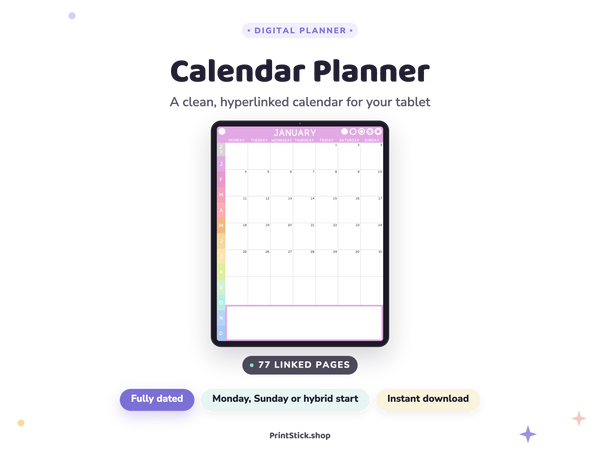
- Yearly Calendar - See the big picture at a glance
-
Quarterly Pages - Map out your goals and priorities every three months
- Monthly Calendars - Plan month by month with ease
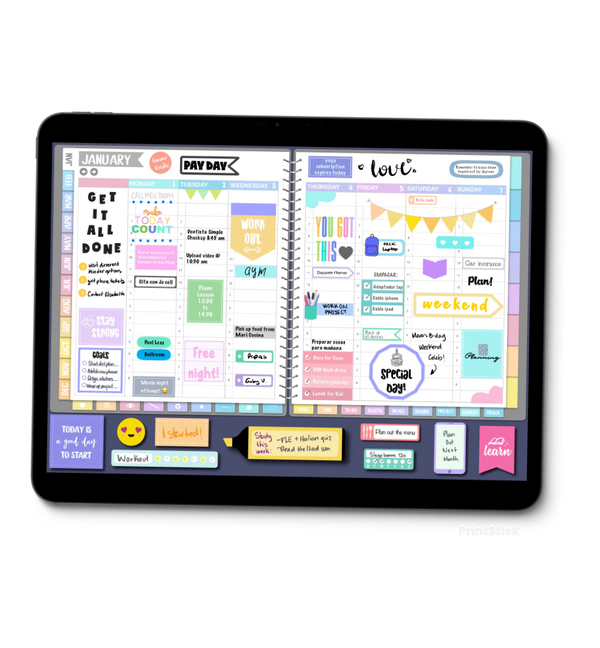
- Weekly Pages - Stay on top of your week, every week
- Daily Pages - Break down your day with intention
- Notebook - Up to 12 custom blank pages, or upload your very own templates!
Meet the Template Maker
What if you need a particular page that isn't included? No problem. With PrintStick's innovative Template Maker, you can edit any existing template or build one entirely from scratch. Found a page you already love? Simply import it into FLEXI and it'll show up right in your exported planner - seamlessly integrated, exactly where you need it.
FLEXI is for the planner enthusiast who wants a beautiful, fully functional digital planner without the hours of setup, and the creative freedom to make it completely their own.
Ready to meet your new favorite planning tool? Explore FLEXI in the PrintStick shop today. ✨
What everyone's saying 0
No comments yet. Be the first!
Comments are for PrintStick members. Sign in to join the conversation.
Sign in